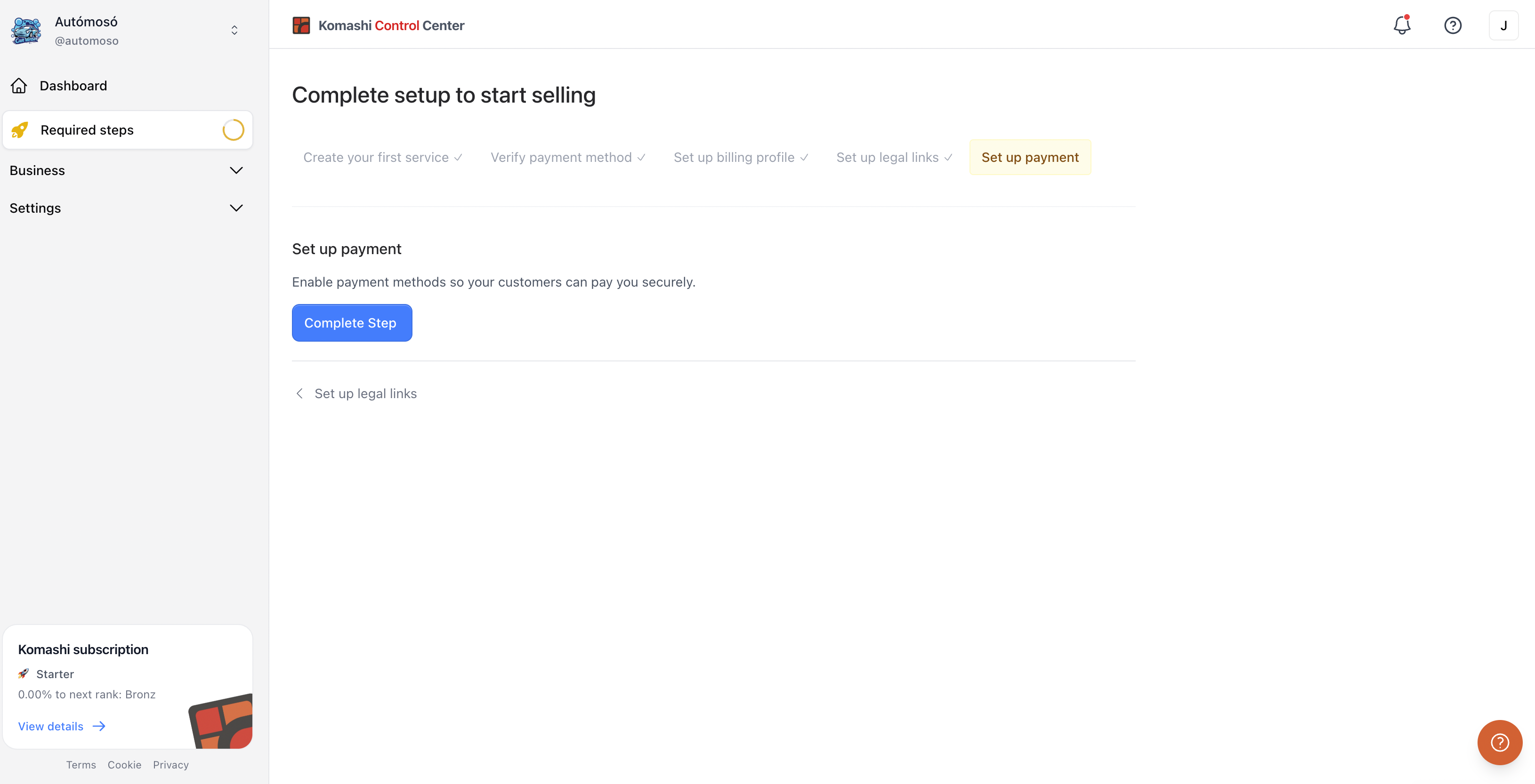
Set up payment
Enable payment methods so customers can pay for your service. This is the fifth and final step in the Setup guide.
:::note Money flow
End User → Payment Provider → Provider
Komashi is not involved in the money flow. :::
Steps
- In the Setup guide, click the step, or go to Settings → Payment providers.
- Find a method with the search field, or filter by country.
- Click Settings on the method card and enter the required credentials.
- Turn on the toggle to enable it.
See Payment Providers for the full settings reference.
You've completed all required steps — you're ready to start selling.