Payment Providers
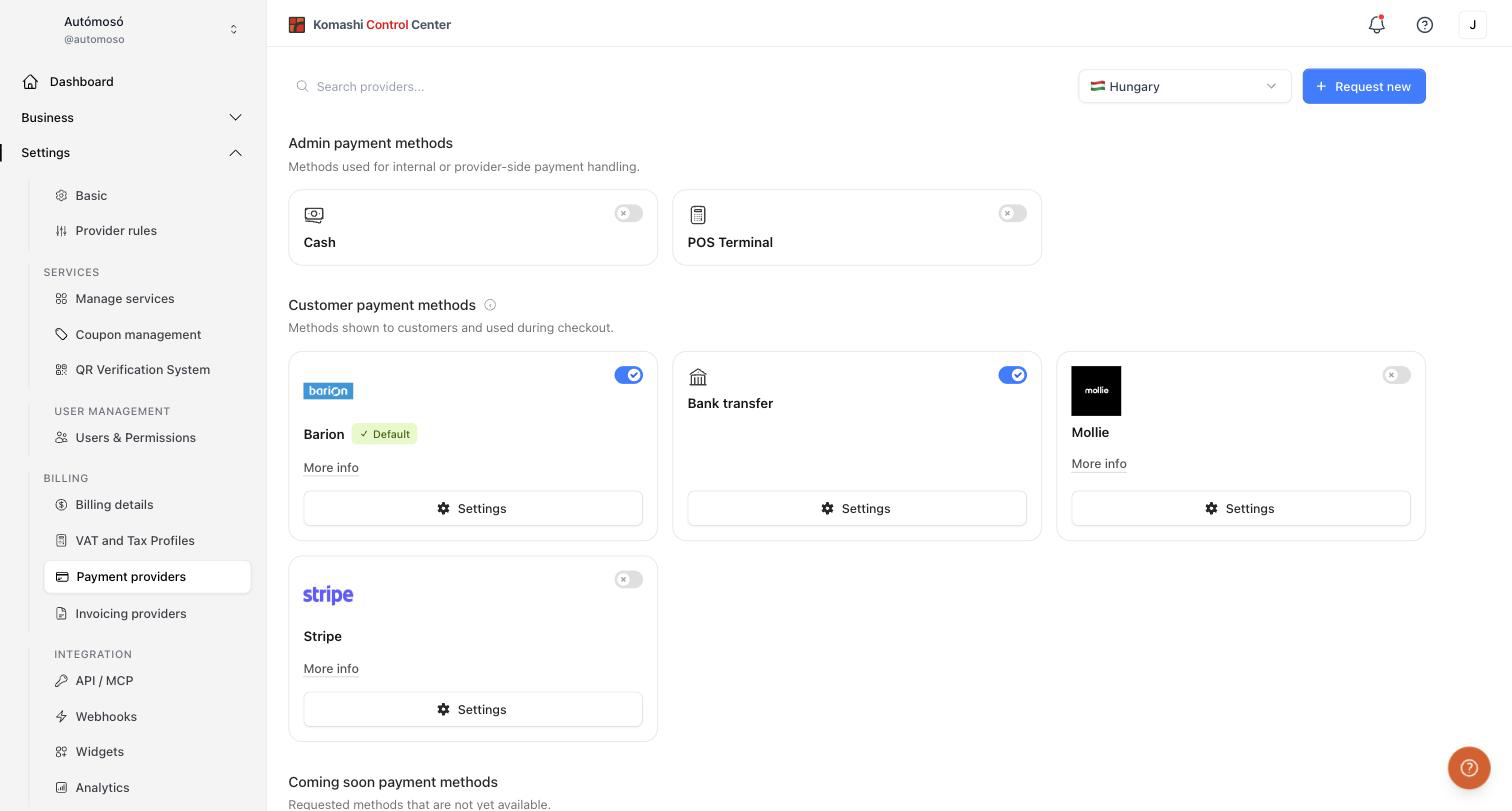
Manage the payment methods available on your storefront. Open Settings → Payment providers in the Control Center.
Use the search field to find a provider, and the country selector to filter methods available in your region.
:::note Money flow
End User → Payment Provider → Provider
Komashi is not involved in the money flow. :::
Method categories
Admin payment methods
Methods used for internal or provider-side payment handling. Not shown at checkout:
- Cash
- POS Terminal
Enable them with the toggle to record payments you collect in person.
Customer payment methods
Methods shown to customers and used during checkout, for example Barion, Mollie, Stripe, and Bank transfer.
For each method you can:
- Enable or disable it with the toggle.
- Open More info to read about the provider.
- Click Settings to enter your credentials (for example API keys) and configure the integration.
- Mark it as the Default payment method to preselect it at checkout.
Coming soon payment methods
Requested methods that are not yet available. They appear in the list but cannot be enabled yet. Click Notify me when available to be told when one goes live.
Enable a payment method
- Find the method with the search field or by browsing the list.
- Click Settings on the method card and enter the required credentials.
- Turn on the toggle.
Request a new payment method
If the provider you need is missing:
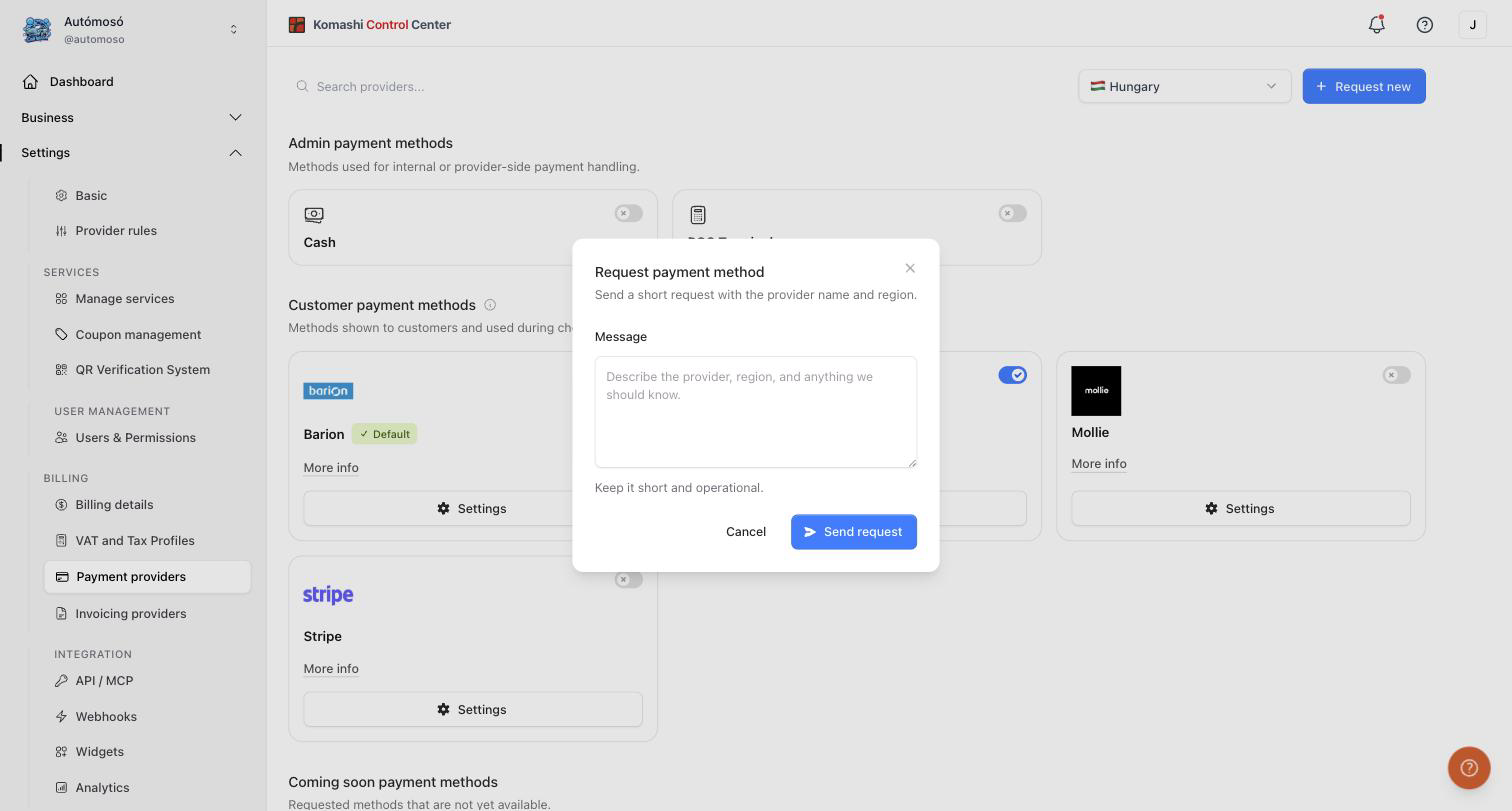
- Click Request new.
- Describe the provider, region, and anything we should know. Keep it short and operational.
- Click Send request.
Related: Billing Details, Invoicing Providers