Set up billing profile
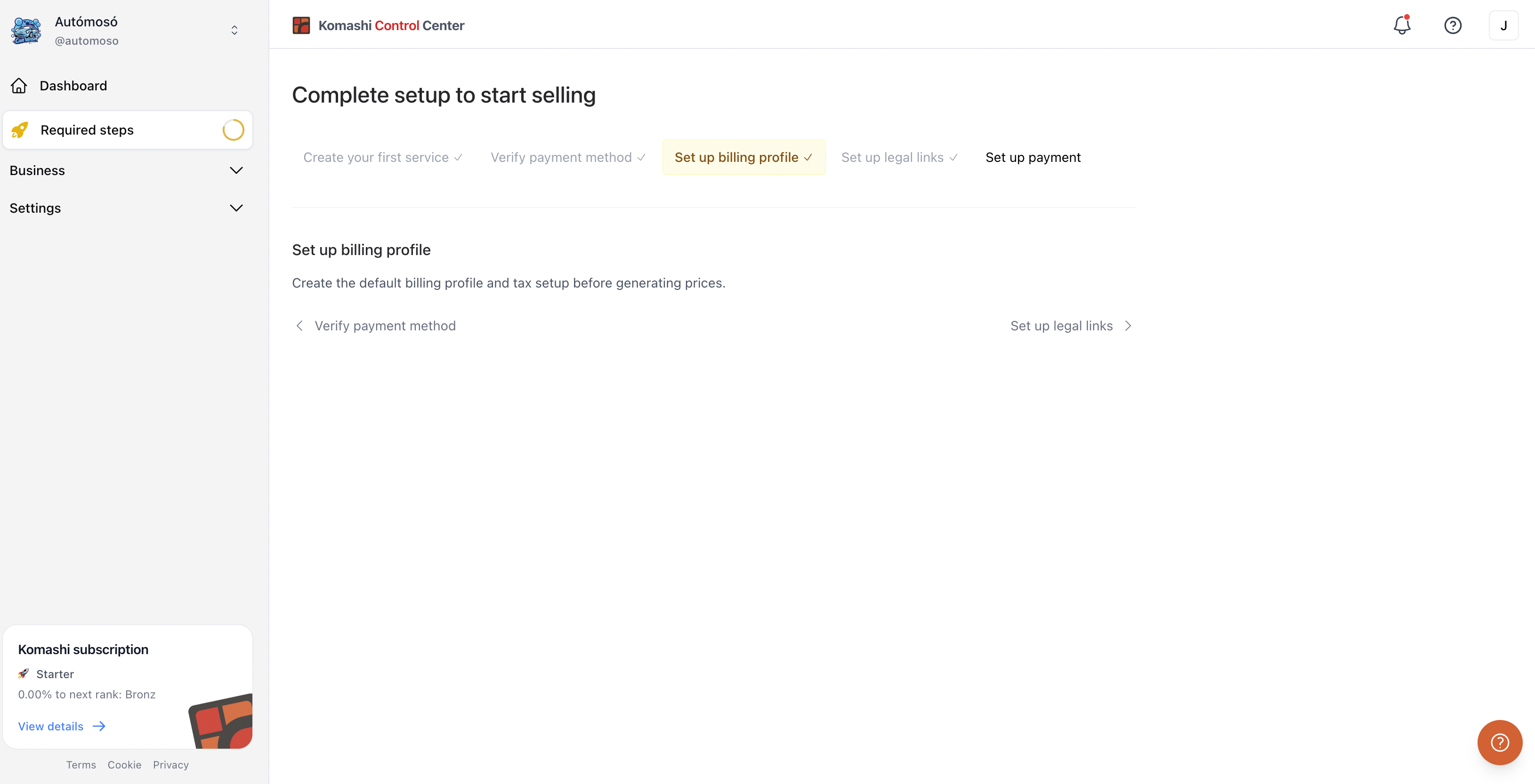
Add your legal billing details. They appear on the invoices issued to your customers. This is the third step in the Setup guide.
Steps
- In the Setup guide, click the step, or go to Settings → Billing details.
- Click the pencil icon next to Billing Information.
- Fill in Billing Name, Country, ZIP Code, City, and Address. State, Address Line 2, and VAT Number are optional.
- Click Save changes.
Your Catalog currency is the currency you picked when you created your provider. It is shown here but cannot be changed.
See Billing Details for the full field reference.
Next: Set up legal links