Verify payment method
Add a billing card so Komashi can charge its own fees. This is the second step in the Setup guide.
This card pays Komashi. It has nothing to do with how your customers pay you — that is Set up payment.
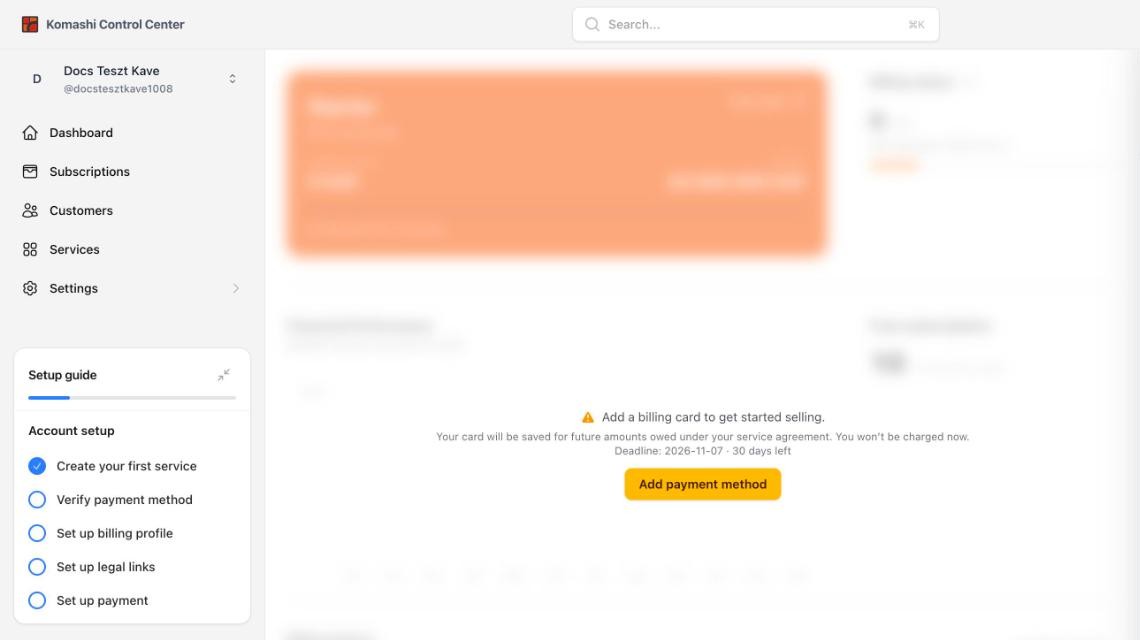
Steps
- In the Setup guide, click Verify payment method. This opens your Komashi subscription page.
- Click Add payment method and enter your card.
Your card is saved for future amounts you owe under your service agreement. You are not charged when you add it. See What fees does Komashi charge?
:::note Deadline You have 30 days from creating your provider to add a billing card. The page shows the exact deadline and how many days are left. :::
Next: Set up billing profile