Billing Details
Manage your legal billing information and preferred currency. Open Settings → Billing details in the Control Center.
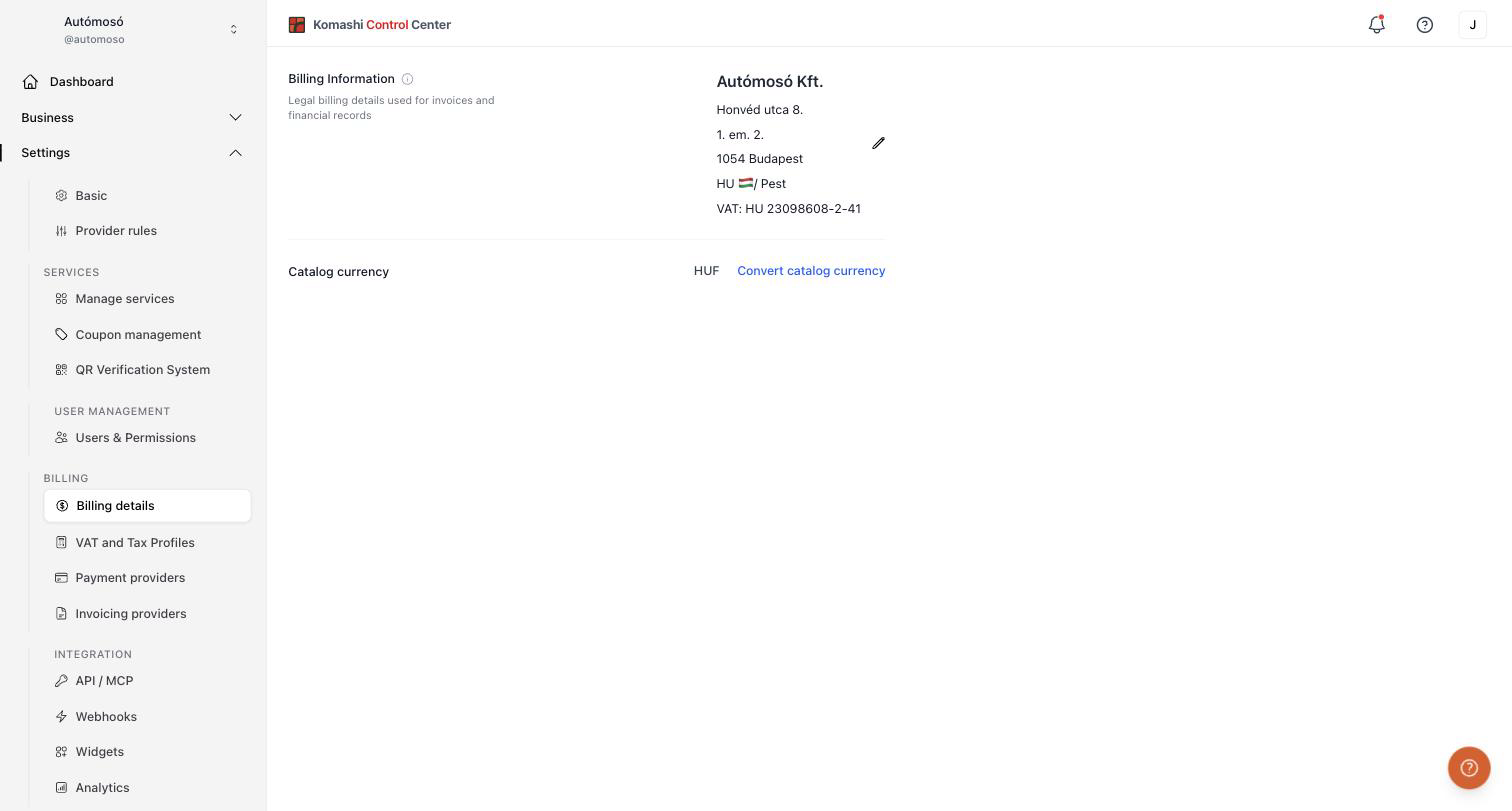
Billing Information
Legal billing details used for invoices and financial records. This is what appears on the invoices issued to your customers.
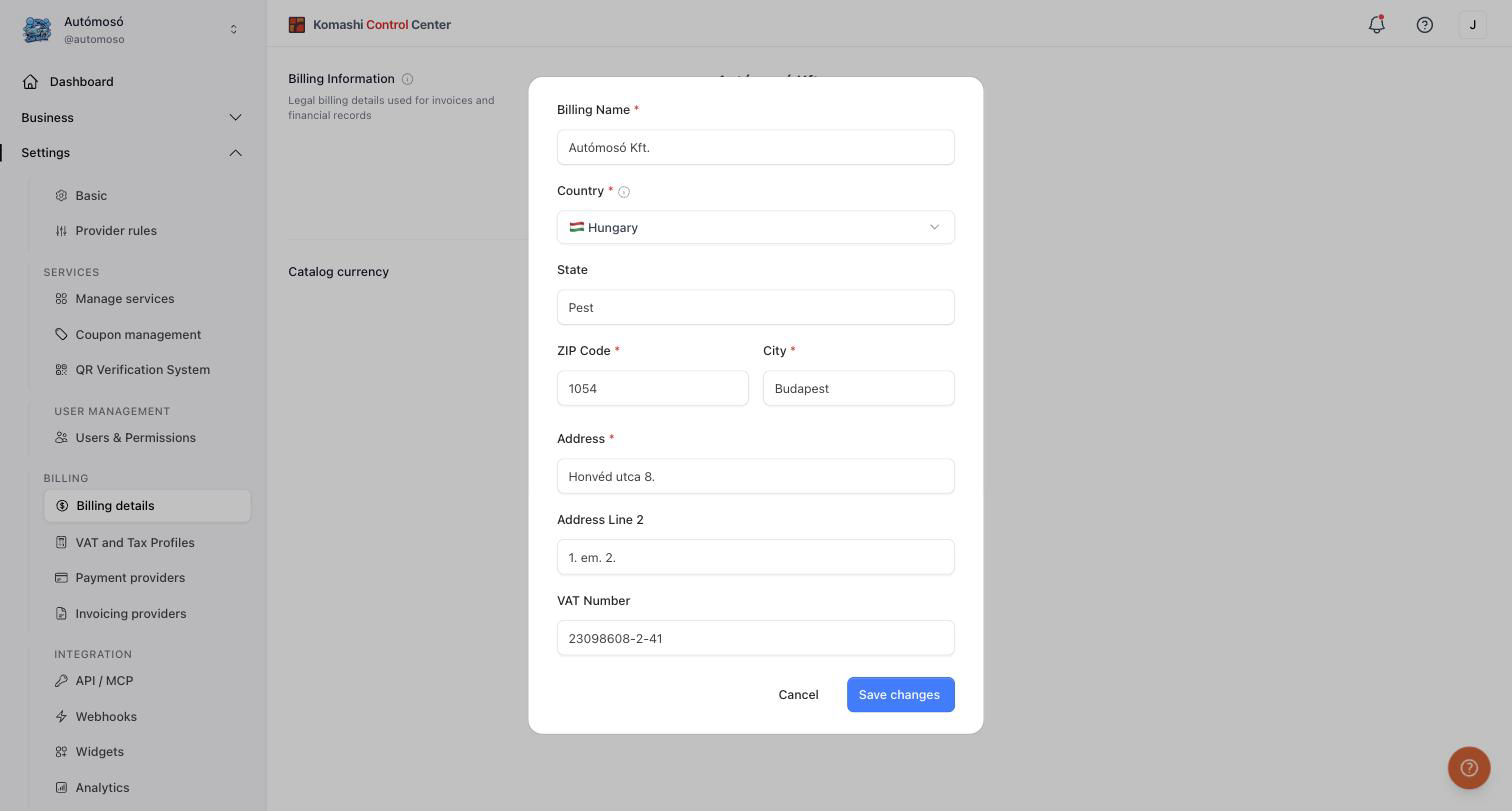
To edit, click the pencil icon and fill in the form:
- Billing Name (required) — your legal company or business name.
- Country (required)
- State
- ZIP Code (required) and City (required)
- Address (required) and Address Line 2
- VAT Number
Click Save changes when done.
Changing your billing country
Your billing country determines which payment and invoice providers you can use, and how your tax profiles are handled. Changing it is not a cosmetic edit:
- Payment and invoice providers not supported in the new country may be deactivated. Their configuration stays available.
- Default settings may be removed.
- Tax profiles and related tax data may be created, updated, or migrated.
Komashi asks you to confirm before applying the change. Review VAT and Tax Profiles and Payment Providers afterwards.
Catalog currency
The currency your service catalog is priced in. You choose it as Currency when you create your provider.
Here it is shown read-only, with Currency change not supported. Pick the right currency when you create the provider.
Existing subscriptions always keep the currency and price they were sold in.
Related: VAT and Tax Profiles, Payment Providers, Invoicing Providers