QR Verification System
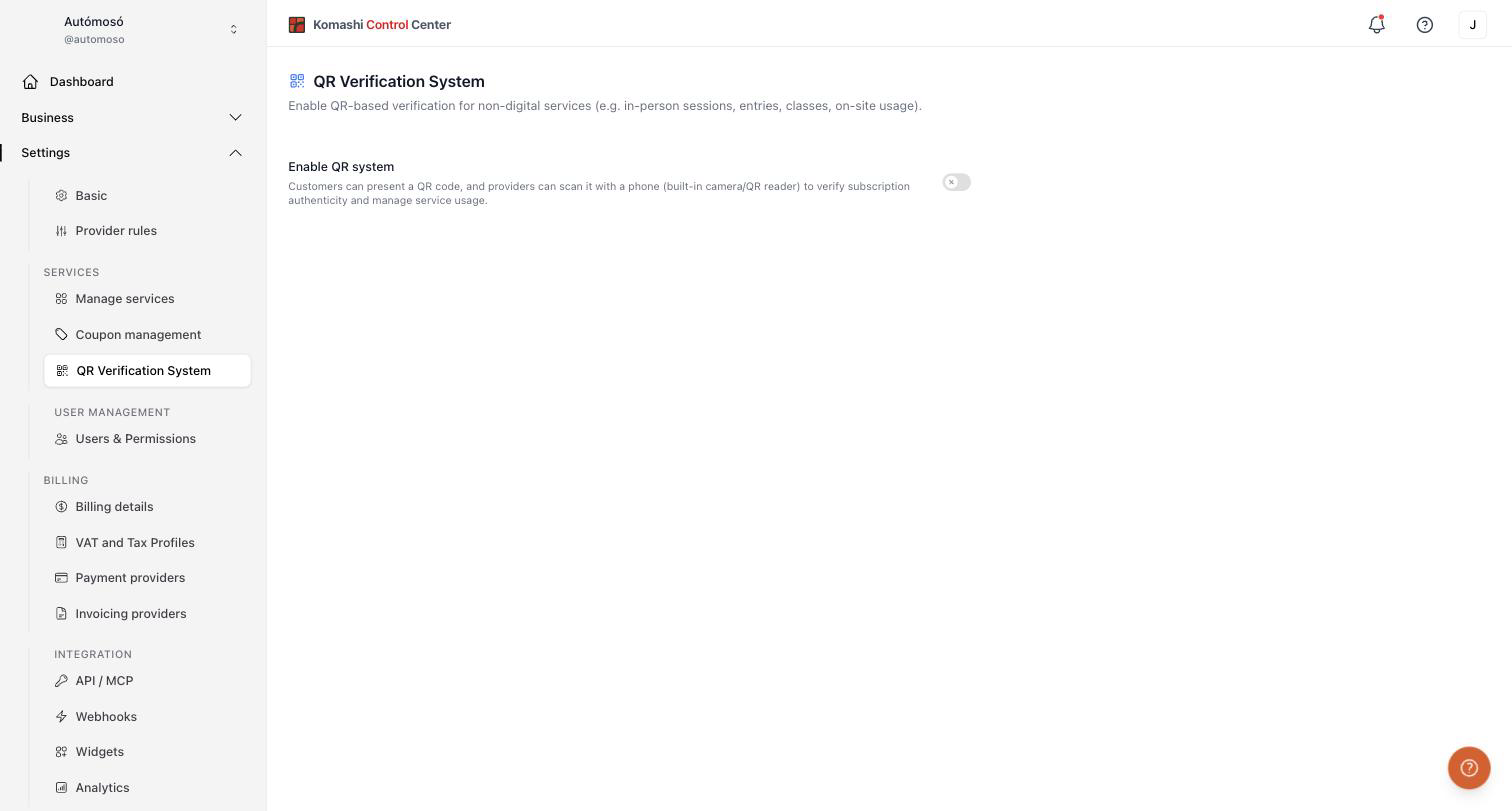
Enable QR-based verification for non-digital services (for example in-person sessions, entries, classes, on-site usage). Open Settings → QR Verification System in the Control Center.
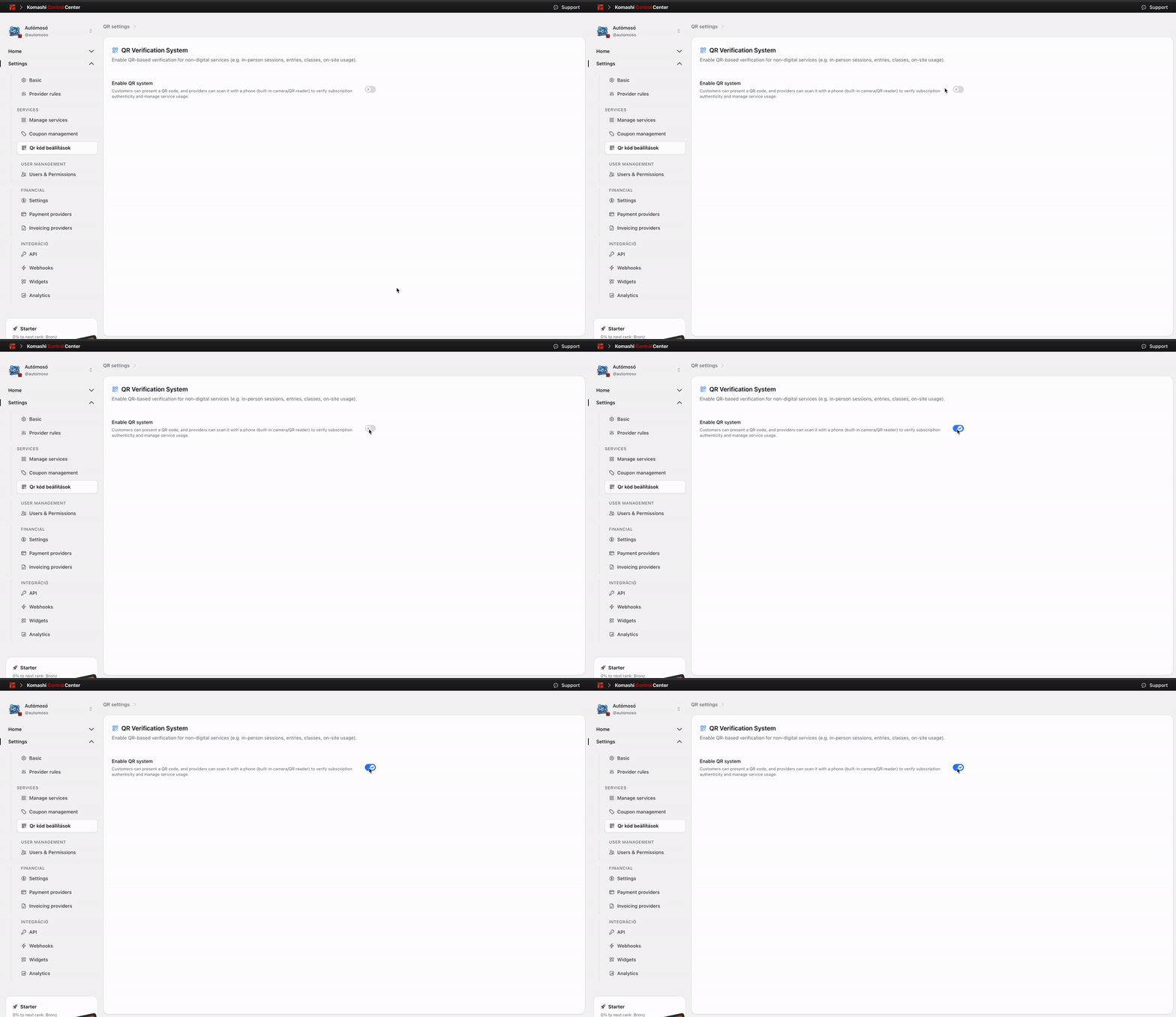
Enable the QR system
Turn on Enable QR system to activate it.
Customers present a QR code, and providers scan it with a phone (built-in camera or QR reader) to verify subscription authenticity and manage service usage.
note
The customer's QR code refreshes every 15 minutes, so screenshots of old codes do not work.