How do I contact Komashi support?
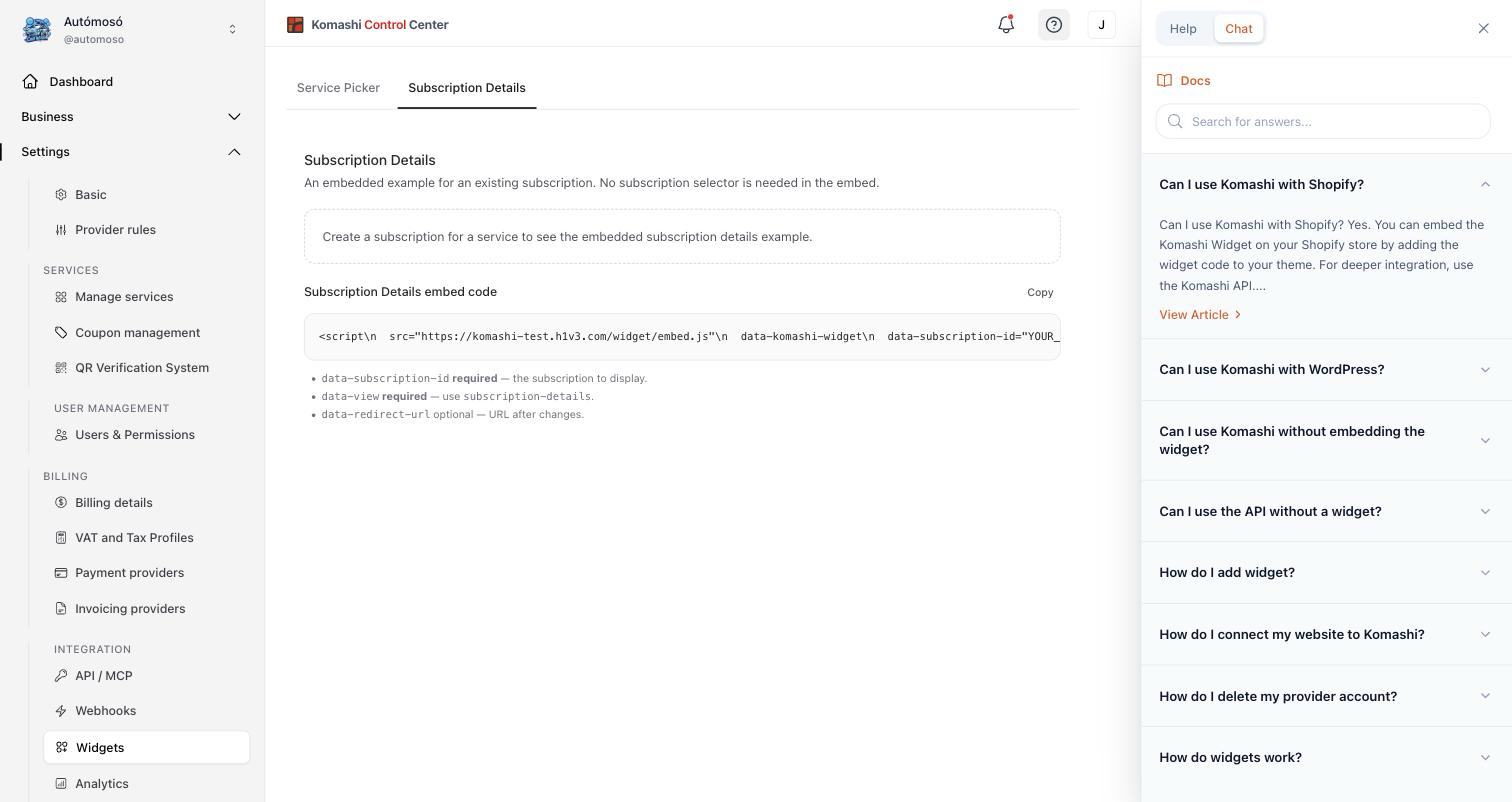
Click the ? icon in the dashboard to open the support panel. It has two tabs:
- Help — search the documentation, plus the articles that are relevant to the page you are on.
- Chat — an AI assistant that answers your questions. It does not pull in your account records or your customers' records: only what you type into the chat is sent to it. If it cannot help, you can ask for a member of the Komashi team from the same conversation.
:::caution What you type into the chat leaves the EU The text you send to the assistant — including anything you paste into it — is passed to Komashi's AI routing sub-processor, which is established in the United States, and on to the model provider it routes to. The transfer is made under the EU Standard Contractual Clauses, and the recipients are contractually barred from using it for their own purposes, including model training.
So do not paste personal data, customer records, or anything confidential into the chat. Describe the problem instead. See Section 6.2 of the Privacy Policy and the Sub-processors list. :::
If you cannot reach the dashboard — for example you cannot log in — write to info@komashi.com instead.
For a bug report or a feature request, see Where can I report a bug or suggest a feature?